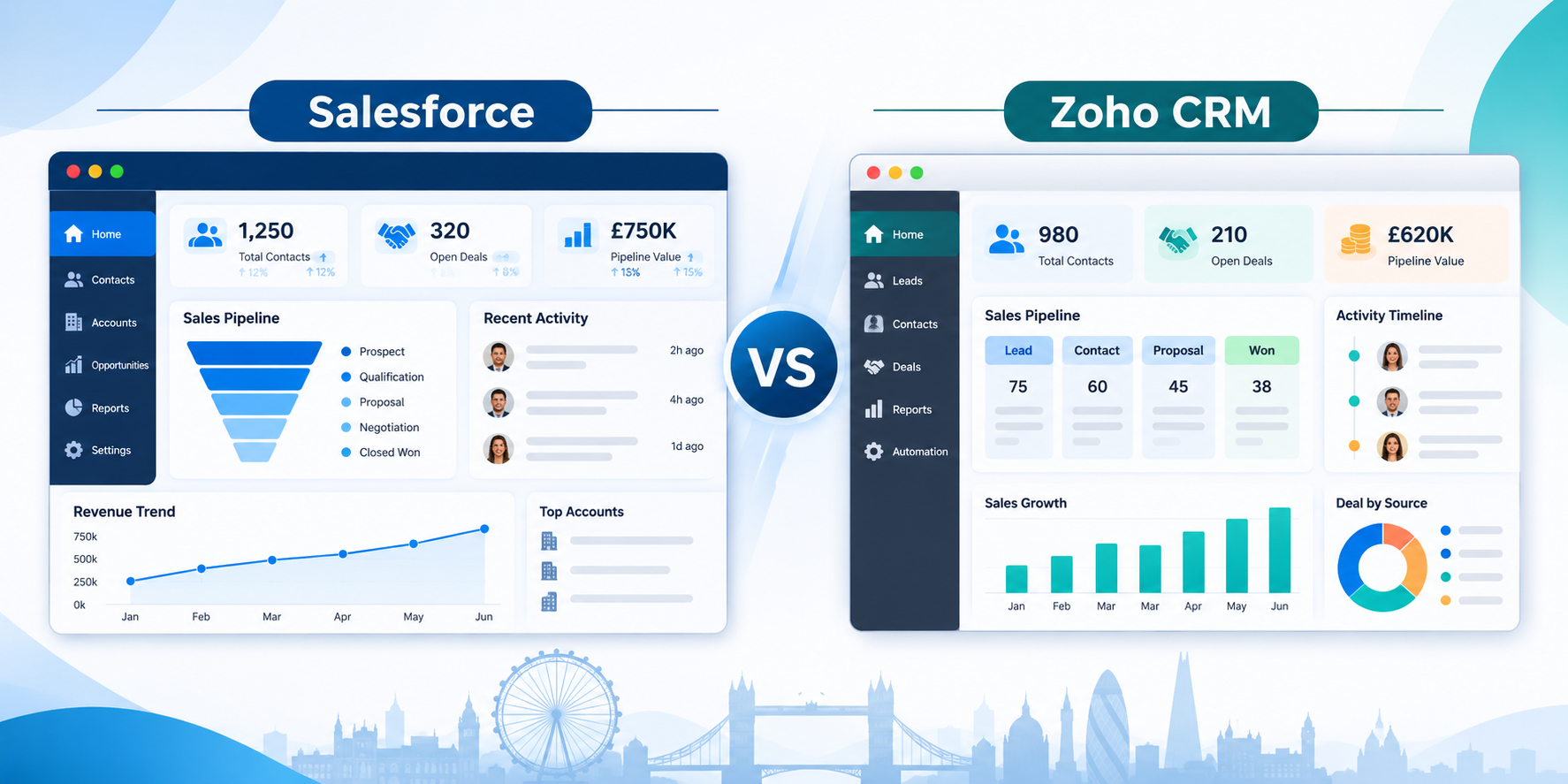
Salesforce or Zoho: Which is the best CRM software? Deciding this carries real weight. As the person driving the decision, you have to defend your choice to the CEO, justify the budget to the finance head, and satisfy IT on security and integrations. If the CRM turns out to be the wrong fit, the accountability lands on you, which is why this decision deserves a proper comparison and rather than a gut call.
What we already know is that Salesforce is good for deep, sophisticated customisation, while Zoho is recognised for being a simple yet capable way to manage customer relationships. But this alone won't lead to a conclusion. Pick the scenario you are currently in, and then we will help you decide which CRM could be the best fit.
Scenario 1: Small and medium business
Budget and setup: limited budget, quick go-live, little admin or developer capacity.
Long-term scalability and integrations: whether the platform can grow with user count, automation and connected tools.
Compliance: industry or regional requirements (data residency, privacy, audit trails) that apply even at a small scale.
First-time CRM implementation: defining processes, driving user adoption, and avoiding overbuying.
Migration from another CRM or spreadsheet: data cleanup, field mapping, training, and the cost of switching later.
Scenario 2: Enterprise
Deep integrations and customisation: ERP, data warehouse and legacy connections, custom objects and workflows.
Procurement, security and compliance: vendor risk reviews, certifications, audit requirements and data residency.
Total cost of ownership: licences, implementation partners, admins, developers and ongoing support.
Governance and scale: multi-region and multi-business-unit rollouts, data model ownership and change management.
Complex migration and consolidation: moving from one or several existing CRMs (such as HubSpot or a legacy system) with high data volume, custom logic and parallel running.
If you fall under Scenario 1, Zoho may seem like the right fit at first glance, but long-term scalability needs may point towards Salesforce. The initial setup feels right because of basic configuration needs and a small user base, but at a later stage, as compliance requirements grow and integrations need to be reliable, the picture can change. In some cases, Zoho’s all-in-one suite works well because it covers CRM, projects, help desk, and accounting under one roof.
If you fall under Scenario 2, Salesforce is the common choice, since strict compliance, deep integrations, and multi-region scale are the needs that drive the decision. At this level, one of the biggest factors for long-term success is continuous support from a Salesforce partner, who can handle implementation, governance, and ongoing improvements.
The dilemma can occur when the business is new, and nobody is sure whether to go for Salesforce right from the beginning or choose Zoho in the initial phase and migrate later. The most common factor driving the decision is cost. Choosing Salesforce may seem like a heavy investment in the initial phase, but in the long term it is a wise one because migrating to another CRM later could be a painful experience. So, let's compare everything first, like cost, integration, and AI capabilities.
Zoho CRM vs. Salesforce: Comparison At-a-glance
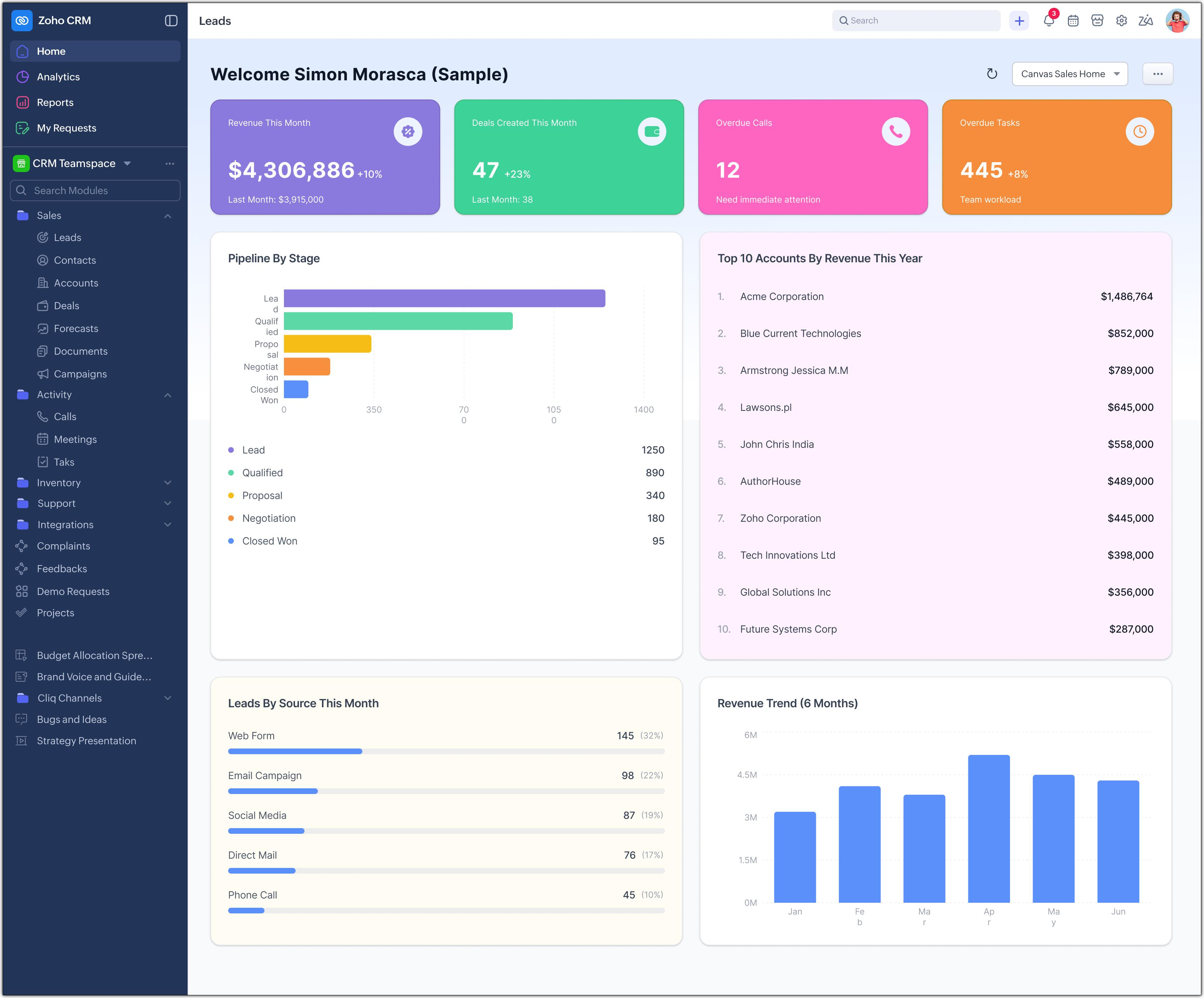
| Factor | Salesforce | Zoho |
| Integrations | AppExchange with thousands of apps | Zoho Suite with limited third-party integrations |
| AI capabilities | Agentforce and Einstein | Zia AI assistant |
| Price Structure | Salesforce CRM pricing: GBP/User/Month Pro Suite: £80 GBP/User/Month | Zoho CRM pricing Professional: $23/user/month Enterprise: $40/user/month |
| Costs beyond licence | Add-ons, implementation partner, admin | Add-ons (e.g. Zoho Campaigns) |
| G2 Reviews | 4.1 (2,955) | 4.4 (27,570) |
| Gartner Reviews | 4.4 (2029) | 4.4 (1400) |
| Awards and Recognition | Ranked #1 CRM provider for 13th consecutive year in 2026 | Zoho was recognised as a challenger in 2026 Gartner® Magic Quadrant™ |
Both CRM covers basics, where they differ is pricing, features depth and usability. The real difference occurs in what works best when you require them the most.
Zoho CRM vs Salesforce: Feature Comparison
Lead and Contact Management
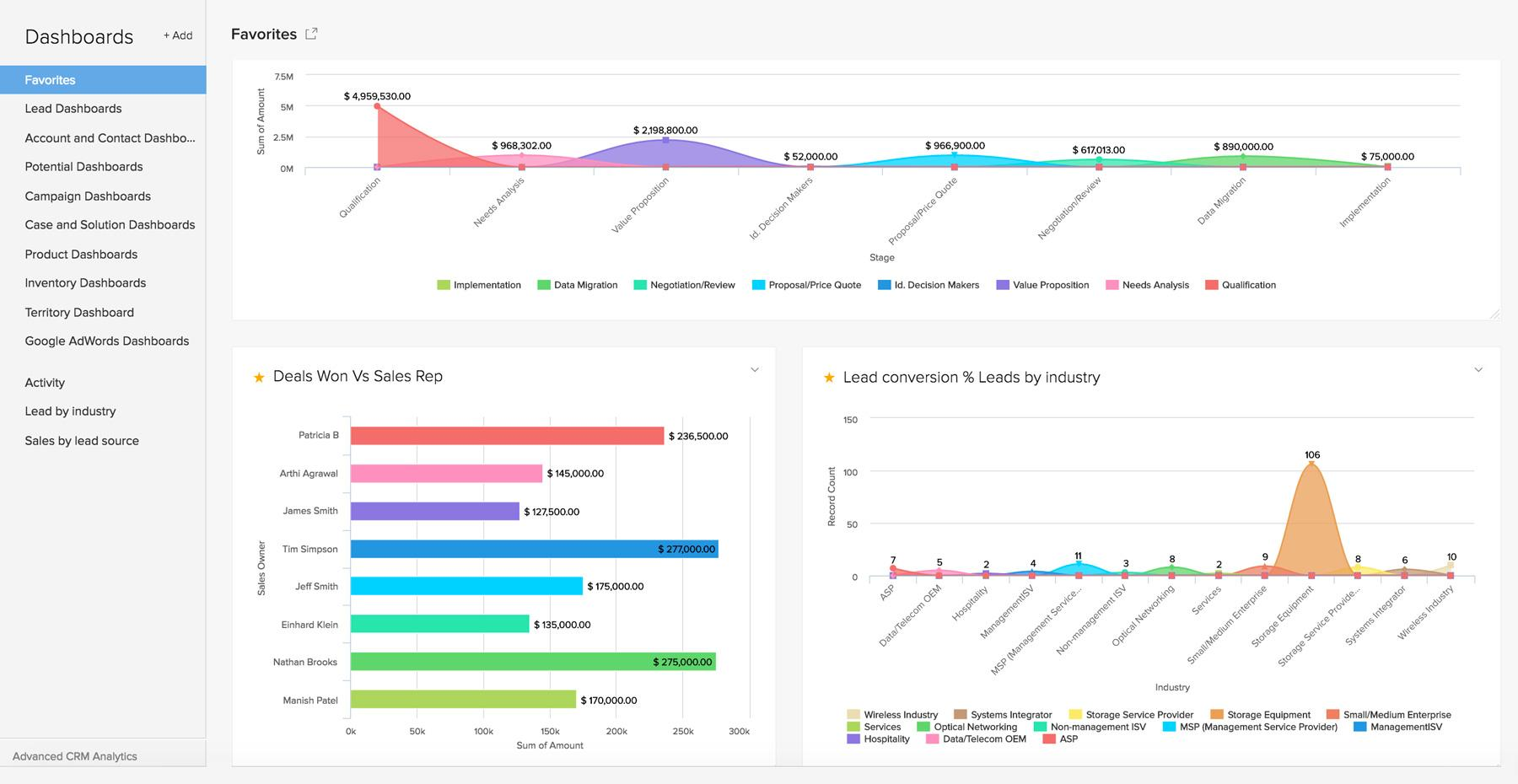
Both CRMs are decently good at data lineage tracking, source attribution and granular compliance tracking for data regulations such as GDPR. In small businesses where a handful of rules handle assignment, and one or two people can manage the setup without a consultant, Zoho CRM could be a good choice. It starts to struggle when:
Several teams need different views: Sales, partners, distributors, and regions each need their own pipelines and visibility, and permission rules need constant exceptions.
Account structures get complicated: Parent and child companies, buying committees, and multiple contacts per deal need tracking that goes beyond simple relationships.
Approvals and routing become layered: Rules vary by region, deal size, or product, and workarounds pile up.
Integration requirements increase: ERP, billing, and support data need to live on one customer record, and connectors multiply.
Why is Salesforce better than Zoho CRM for lead and contact management?
Flexible data model: Leads, contacts, accounts, and opportunities can be extended with custom objects and fields, so the CRM can mirror how the business sells.
Rich relationships: Account hierarchies, contact roles on deals, and Person Accounts cover both B2B buying committees and B2C customers in one system.
Large ecosystem: AppExchange offers enrichment, prospecting, and intent-data tools that plug in directly, and Salesforce admins and consultants are easy to hire.
Zoho CRM
Sales and Pipeline Management
Zoho provides the built-in process while Salesforce provides the platform to build one on.
The whole decision here depends on how many users need access to the pipeline, and how complex your custom stages or approval rules are.
For instance, a 10-user real estate agency may have a fixed pipeline, but a manufacturing company that needs sequential approval from the manager, finance and legal teams, synced with the ERP, will need a customised pipeline.
| Factors | Salesforce | Zoho |
| Customisation Needs | Strictstage enforcement and deep forecasting needs | Need Multipipeline support with much in-depth relation |
| Development Tools | Apex, Lightning components | Blueprints, Workflows, Wizard |
| Trade-Offs | Needsspecialised administrator and may take longer to implement. | Lacks the deep relational depth |
To choose the right CRM between Salesforce and Zoho, you need to evaluate a few things such as:
How many people touch the pipeline?
How many stages and approvals does a deal go through?
What does the pipeline need to connect to?
Choose Zoho for built-in simplicity and speed or Salesforce for depth and customisation, but evaluate your users, stages, approvals, integrations, and available admin support before you decide.
Email, Calling, and Customer Communication
Zoho bundles email and calling tools into the CRM at lower tiers, while Salesforce reaches similar results through higher tiers and add-ons.
| Factor | Zoho | Salesforce |
| Email sync (Gmail, Outlook) | Available at the Professional tier | Via Einstein Activity Capture, typically at the Enterprise tier |
| Calling | Built-in Phone Bridge telephony | Typically relies on third-party integrations (RingCentral, Aircall, Dialpad) |
| Email templates | Included at all paid tiers | Included, with advanced personalisation at higher tiers |
| Activity logging | Calls logged automatically through Phone Bridge | Emails and meetings auto-logged by Einstein butusually availableat Enterprise and above |
Marketing and Campaign Management
Zoho is a better choice when you want core marketing activities such as email campaigns and basic automation at a lower cost. Salesforce is the right choice when you need advanced data handling, such as complex relationships between records, multi-tier account hierarchies, for example parent companies with several subsidiaries and regional offices.
| Features | Zoho | Salesforce |
| Email Campaigns | Basic features like outreach, mass Email and templates available full scale email marketing requires Zoho Campaigns. | Basic Email Marketing in Starter and Pro Suite |
| Advanced Automation | Zoho marketing automation | Salesforce Marketing Cloud |
| Personalisation | Basic | Advanced journeys and segmentation |
Reporting and Analytics
Salesforce is thegold standard for massive data volumes and predictive AI modelling. But Zoho is often chosen for its easy and intuitive interface. Let's understand the difference clearly.
| Features | Zoho | Salesforce |
| Dashboard | Drag-and –drop | Highly structured (can feel rigid) |
| Advanced analytics | Zoho Analytics | CRM Analytics |
| Role-based views | Basic filtering | Dynamic dashboards per user or role |
| Combining outside data | Zoho Analytics connects CRM with finance, marketing, and other apps | CRM Analytics and Tableau connect many external sources |
If you are an enterprise and meet all the points mentioned in Scenario 2, you can confidently choose Salesforce. If you are a small business and not sure whether to go for Zoho or Salesforce. Here are a few pointers to consider.
Your team size is expected to grow to hundreds within a few years.
Your sales process is long and complex, with layered approvals and forecasting needs.
You already know you need real-time dashboards or role-based views that show each user only their own data.
You can afford an admin or partner to maintain it.
AI and Automation Comparison
It's a no brainer to choose Salesforce over Zoho to track large volumes of data in real time, but you may need support from Salesforce developers to customise AI behaviour. Zoho is the better choice when you want practical AI features like lead scoring and deal predictions built in at a lower price, with a faster setup and no dedicated developer or admin to maintain them.
Salesforce's AI ecosystem includes Einstein AI and Agentforce for AI agents. Einstein features vary by tier, but it is best for enterprises with large datasets.
Zoho's Zia AI assistant is available at standard tier, but deep predictive modelling is available at higher tiers(Enterprise and Ultimate tiers). It handles repetitive tasks, predicts lead scoring, spots anomalies, suggests workflows, and supports voice commands.
| AI Capabilities | Zoho (Zia) | Salesforce (Einstein) |
| Minimum data required for lead scoring | Zia can begin analysing and tracking custom patterns immediately | Salesforce requires minimum 1000 converted leads in the past 180 daysto function |
| Predictive Analytics | Good for linear pipelines | evaluates macro trends over multi-year datasets |
| Agentic Autonomy | No-code environment required | Complex Atlas Reasoning Engine |
| Pricing and Access | Enterprise / Ultimate plans with free monthly token limits | Native predictive features require Unlimited/Advanced plans |
Salesforce or Zoho: Which CRM Should You Choose?
The Salesforce vs. Zoho debate has no clear answer, because the right choice depends on where your business is heading. If you value affordability, easy setup, and fast deployment, Zoho CRM is a strong fit. If your business requires deep integrations, extensive customisation, advanced AI, or strict compliance, Salesforce may be the better choice. Before you decide, also consider the future:
Where your business could be two years from now
Costs in the first year compared with the third year
How many users you will add, and how licence costs scale
Integrations you will need later
Who will manage the CRM, and what admin support you can afford
Compliance and data location requirements for the UK region
If you still can't decide which CRM is the better fit for your business, connect with our experts for clarity.
Why Connect with CRM Frontier?
CRM Frontier has certified Salesforce professionals who understand your business requirements. We go deep by understanding your team size, hierarchy, and role-based access requirements. If you simply want to check whether Salesforce is the right fit for you, contact our experts in the UK. After analysing your requirements, we will suggest a roadmap for smooth implementation. In case you want to migrate from another CRM to Salesforce, we also help with that. Here are our key services:
Salesforce Implementation: Our consultants will implement the process and stay connected to resolve any query that arise afterwards.
Salesforce Optimisation: We optimise Salesforce in such a way that it helps improve adoption, simplify process, and get the most out of the platform.
Salesforce Integration: We help you connect Salesforce with finance systems, support platforms, ERP software, and marketing apps.
Salesforce Support, Customisation, and Training: We customise workflows and keep Salesforce reliable, secure, and usable across day-to-day operations and also provide training programmes designed to help users, administrators, and sales teams gain confidence in Salesforce.
Still confused between Salesforce and Zoho? Let’s clear it up.
Pricing, features, and AI are only half the picture. The right choice depends on your business. In a short, free conversation, our certified Salesforce experts will help you understand what you actually need, what you can skip, and what it will really cost over three years. Talk to Our Experts Now!
FAQs
Q1. What is the best CRM software in the UK?
Choosing the best CRM software in the UK depends heavily on your business size, budget and primary goals. Salesforce suits enterprise scalability and extensive customisation, while Zoho often offers better value for money for small and mid-sized businesses.
Q2. What is Zoho CRM pricing?
Zoho CRM pricing starts with a free edition for up to three users, followed by four paid editions: Standard at $14, Professional at $23, Enterprise at $40 and Ultimate at $52 per user per month when billed annually. Monthly billing costs more, at roughly $20, $35, $50 and $65 per user, so paying annually saves around 20-30%. Keep in mind that Zoho CRM pricing covers licences only, and costs like implementation, customisation, integrations and training are extra.
Q3. Is Zoho or Salesforce better?
The right choice between Zoho and Salesforce hinges entirely on your budget, team size, company's scale, and future goals. Zoho CRM is a top choice for small to mid-size teams looking for a fast and affordable setup. Salesforce is ideal for enterprise operations to manage complex workflows, deep integrations, and massive scalability.
Q4. Does Salesforce have a free version?
Yes, Salesforce offers a free version called Free Suite, designed for individuals and very small teams getting started with their first CRM. It costs $0 per user per month, requires no contract or credit card, and comes with 2 user licences. Free Suite includes lead, opportunity and customer case management, simple email marketing, and connected Slack conversations. As your team and requirements grow, you can move up to paid editions such as Starter Suite at $25 per user per month.
Q5. Does Zoho CRM have a free version?
Yes, Zoho CRM includes a free edition built for small teams of up to three users who need only the core CRM features.
Key Takeaways
Zoho offers a simple all-in-one setup, whereas Salesforce offers deeper customisation and a larger app ecosystem.
Zoho’s Zia brings practical AI like lead scoring at a lower price, while Salesforce’s Einstein and Agentforce suit large datasets but may need developer support.
Small and mid-sized teams often prefer Zoho’s affordability, while enterprises with complex compliance and integration needs usually choose Salesforce.
Zoho CRM pricing is £19 per user per month for Standard and £45 for Premium, with add-ons like the repository costing £6 per user, while Salesforce CRM pricing starts at £20 for Starter Suite and £80 for Pro Suite.
There is no absolute winner, so weigh costs over three years, future growth and admin support before you decide.